
Put the booking form in your website
The same booking form inside a page of your own site, so the visitor never leaves. Copy one piece of code from the Booking tab and paste it in Wix, Squarespace, GoDaddy, WordPress or Weebly.
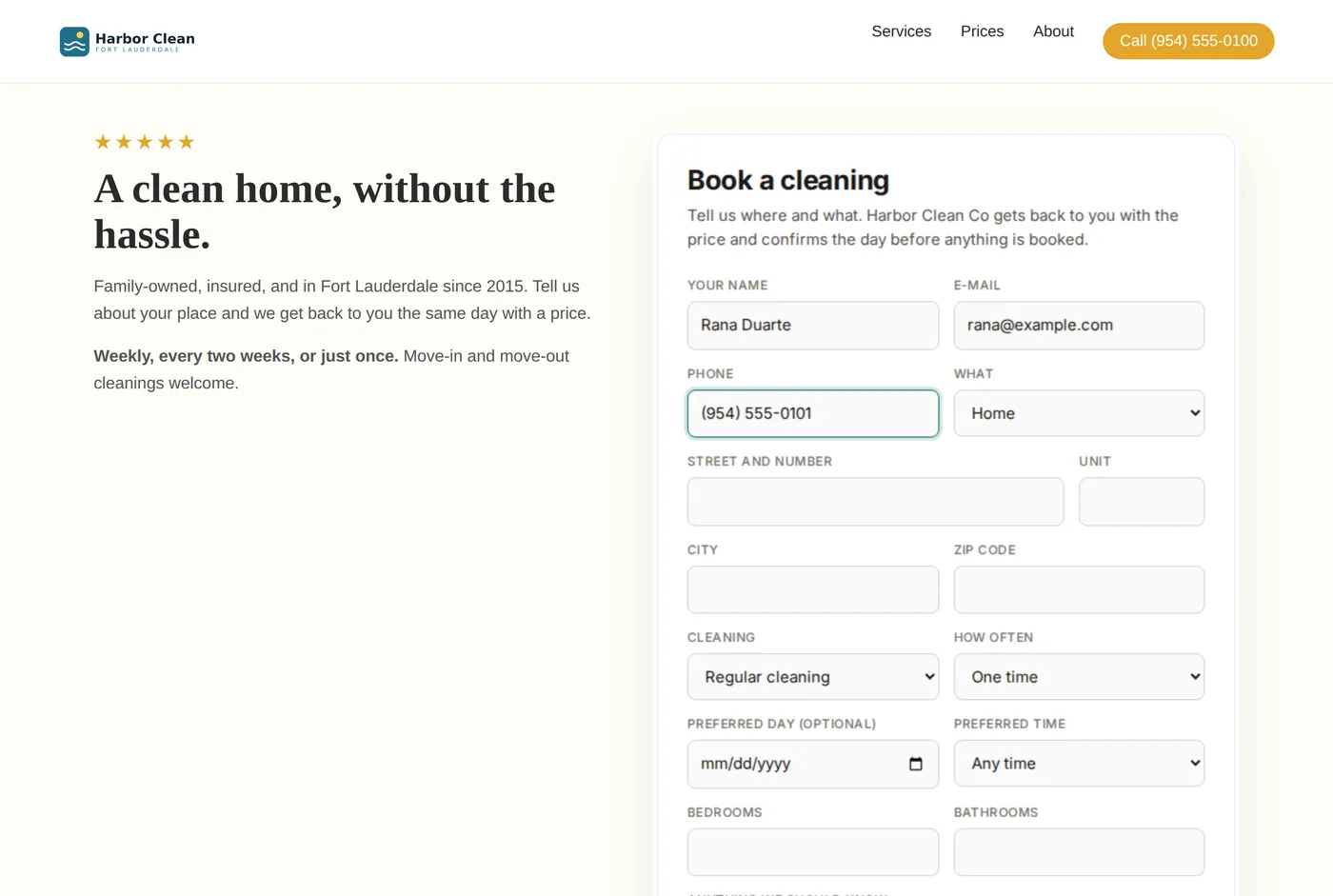
The second of three ways to take requests. The others are sharing your link and your own form sent to Glue. The overview is the online booking page.
First, turn the page on
- In Glue, open Organization from the menu and press the "Booking" tab. On the "Booking address" card, press the pencil.
- Type a short name for your page, like
sunny-clean. Only small letters, numbers and dashes. Glue suggests one from your company name. - Save. The form inside your website works from now on.
- You don't need the page Glue hosts for this, so "Website active" on the "Website" tab can stay Off.
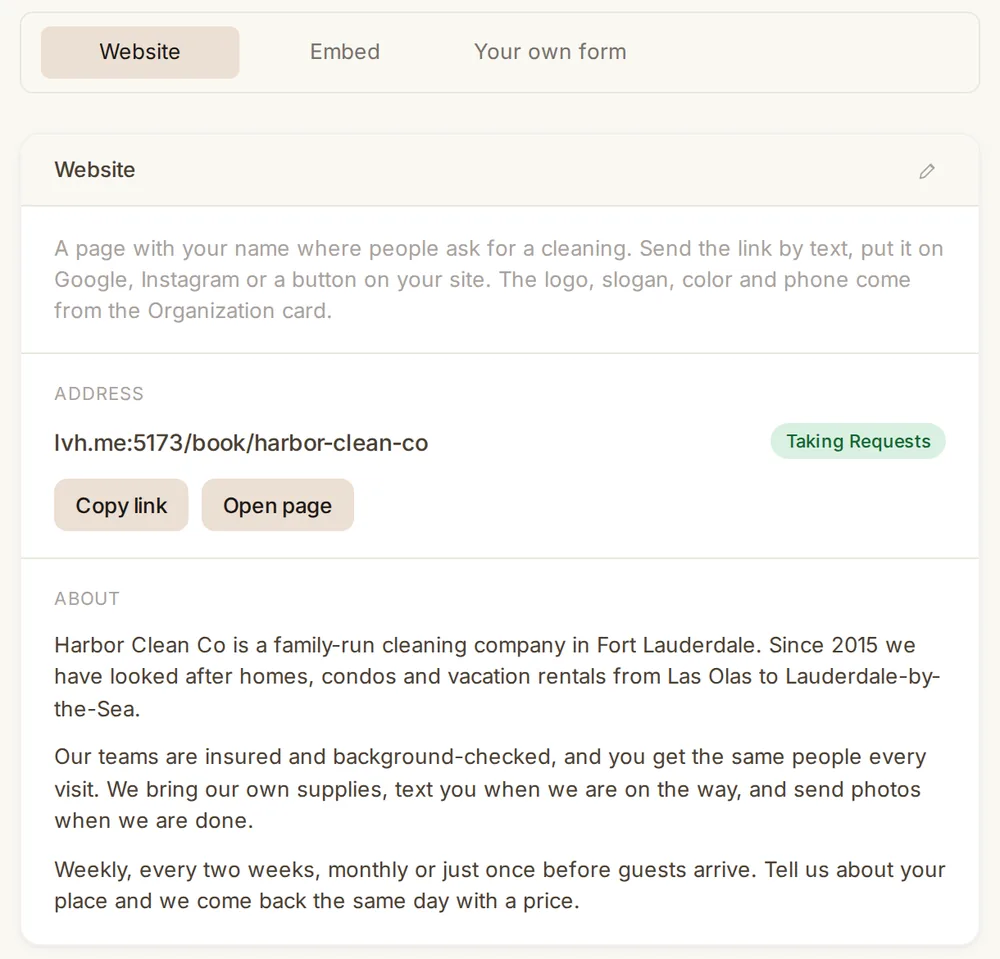
Your logo, slogan, color and phone come from the Organization card and show on the page Glue hosts. Inside your website the form shows on its own, in your color, without the logo or the about text.
What you get
Your booking form appears inside a page of your own website, in your color. The visitor fills it in without leaving your site, and the request arrives in Glue like any other.
Copy the code
- In Glue, open Organization from the menu, press the "Booking" tab and, inside it, "Embed".
- Press "Copy embed code". The same tab lists the steps for each builder. It is one line of code that tells your website where the form lives.
- Paste it in your website builder, following the steps below.
Paste it in your builder
- Wix. In the editor press "+", "Embed Code", "Embed HTML". Press "Enter code", paste, "Update". Pull the corners of the box until the whole form shows.
- Squarespace. Edit the page, "Add block", "Code". Paste the code and save.
- GoDaddy. Edit the site, "Add section", search "HTML", choose it, paste the code in the box, "Done".
- WordPress. Edit the page, press "+", add a "Custom HTML" block, paste the code, "Update".
- Weebly. Drag the "Embed Code" element onto the page, press "Click to set custom HTML", paste.
The box is about the height of a phone screen. If the bottom of the form is cut, make the box taller in your editor.
My builder is not on the list+
Every builder has a block for pasting code. Look for "Embed", "HTML" or "Code" when adding a block, and paste the same code there.
The form does not show+
Check that you pasted the whole code, from the first < to the last >. If your builder asks whether the code is "HTML" or a "script", choose HTML.
Can I change the colors?+
The form uses the color from your Organization card. Change it there and the form follows.